
1
Create your account
Sign up with your phone number and confirm it with the code we send. No paperwork, no branch visit.
No queueNo paperworkSame-day transfers
Move money between banks and wallets, hold a balance with the office, and buy gift cards — all from your phone.
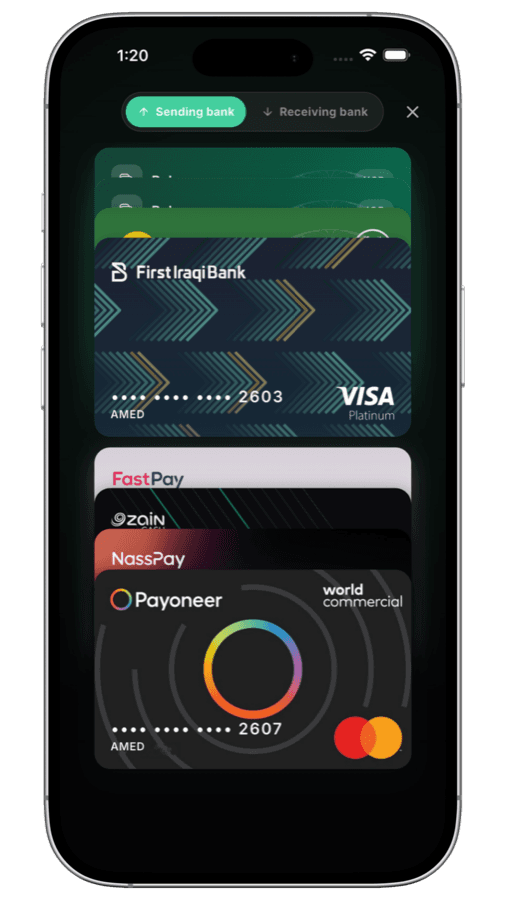
 FIB
FIB Zain Cash
 Qi Card
 FastPay
 NassPay
 Payoneer

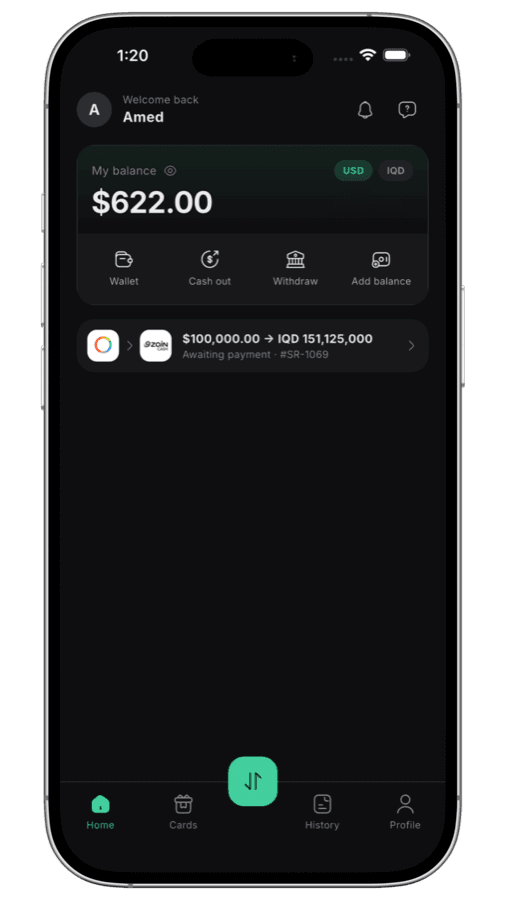
Sign up once, then every exchange is the same short path.
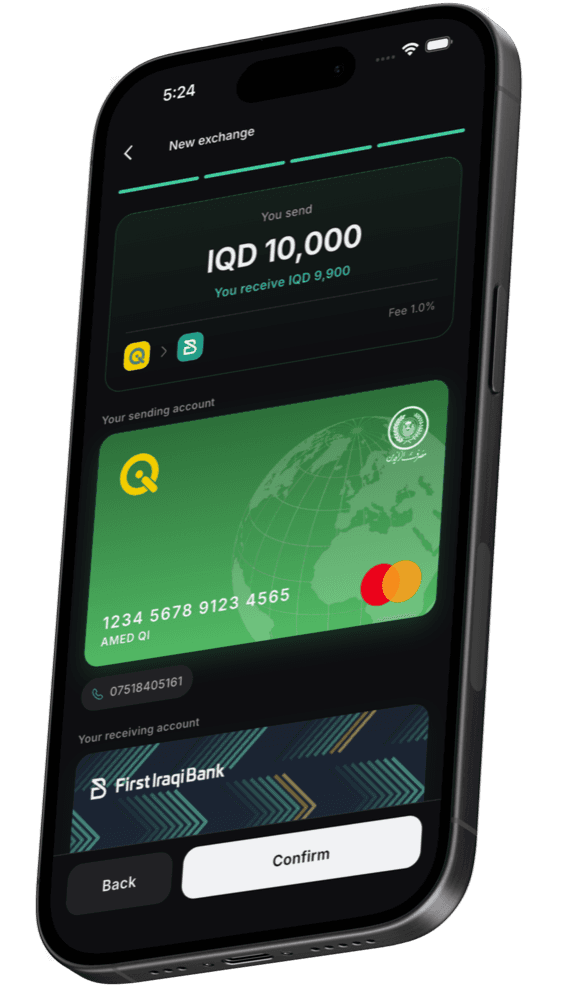
Sign up with your phone number and confirm it with the code we send. No paperwork, no branch visit.
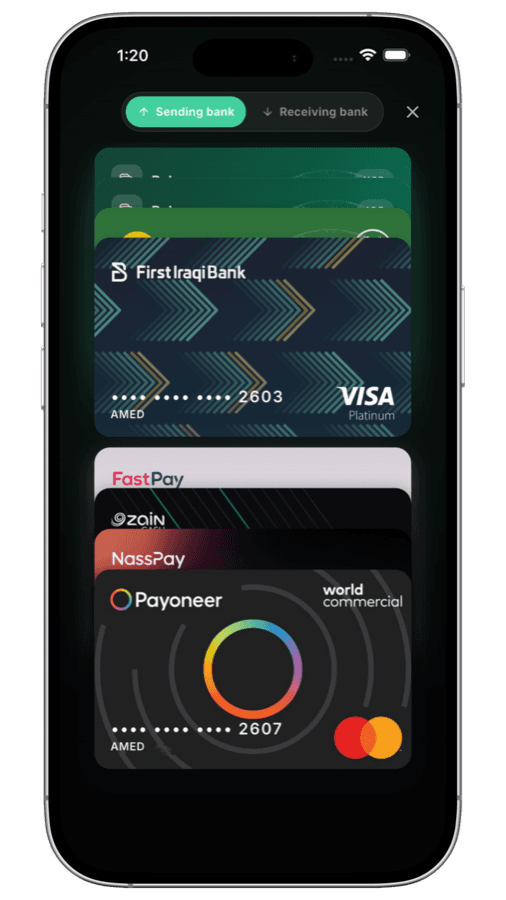
Pick the bank you are paying from and the one you want the money in. The fee and the exact amount you receive appear straight away.
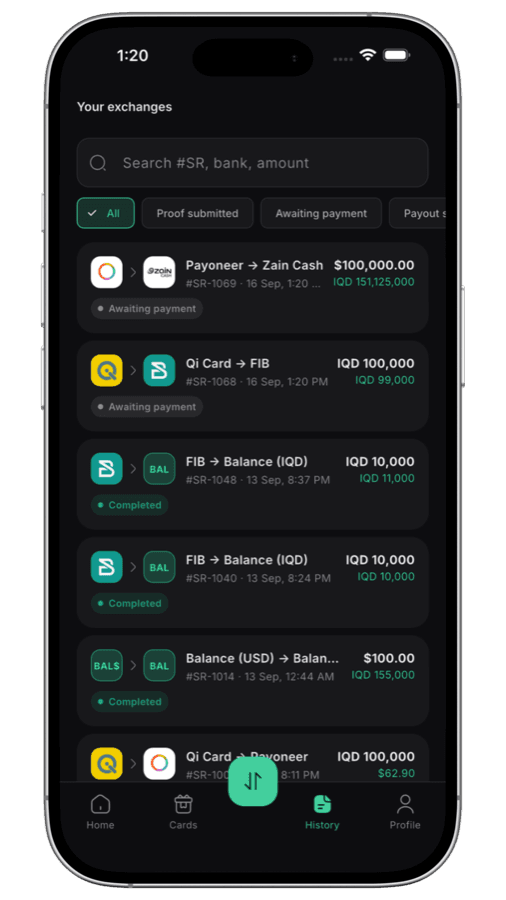
Send the money to the office, attach the receipt, and watch each step until it lands — you are told when it does.
The same counter, the same rates, the same people — without the trip.
Move money between any two banks or wallets the office supports, in dinar or dollars.
Keep money on your account and spend it whenever you like, without starting again each time.
Send your balance back out to your own bank account whenever you want it.
Buy an Apple, Google Play or PlayStation card and get the code the moment you pay.
When the office is running it, adding money to your balance pays you a bonus instead of charging a fee.
A timeline for each request, the receipt attached, and a notification the moment anything moves.
Top up once and your balance is ready for the next exchange, the next gift card, or a withdrawal back to your own bank. Dinar and dollars are kept apart, each with its own balance, so nothing is converted behind your back.
See how it works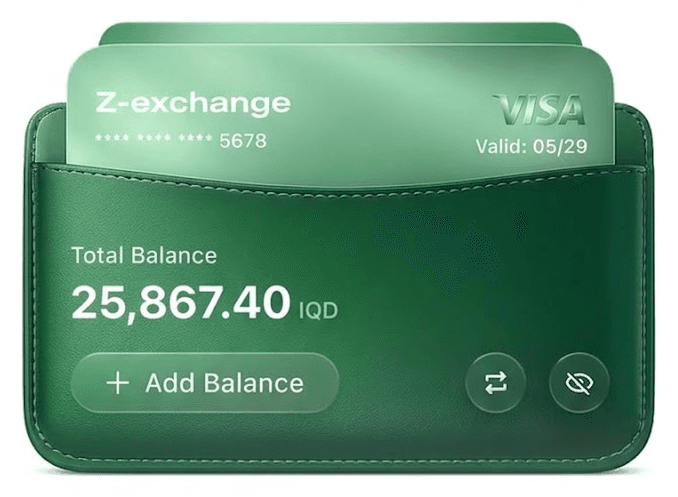
Not a bank. The exchange you already use, with the waiting taken out.
The fee, the rate and the exact amount you will receive are on screen before you confirm — and the rate is locked to your request, so it cannot move underneath you while you pay.
It is the app for a money-exchange office in Iraq. You use it to move money between banks and wallets, to hold a balance with the office, and to buy gift cards — without going to the counter each time.
Create an account in a minute and make your first exchange today.
Z Exchange is built for a single exchange office and its customers. The rates, the fees and the banks on offer are the office’s own — the app simply puts them in your hand.